Queue manager handles asynchrounous tasks performed by the backend. This page provides additional information about the state of the performed tasks but should be used with caution as it allows manual reexecution of chosen tasks by the Superadmin.
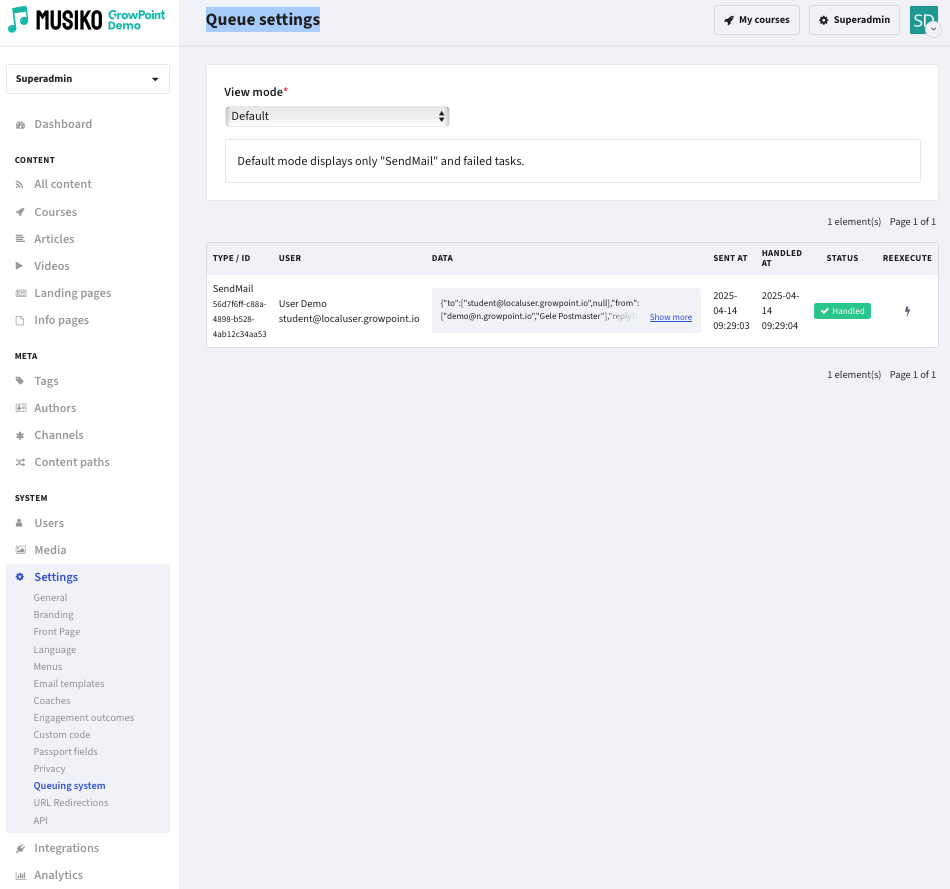
Queue settings view
| Default |
Shows „SendMail” and failed tasks |
| All | Shows all items |
| Filtered | Shows items filtered by specific criteria |
| Type | Choice of options in a drop down menu |
| Status | Choice of available statuses ( Created, Sent, Handled, Failed ) |
| Search | Search window (user email, name, surname and id; command uuid) |
| Date Range | Set a date range to filter items |