Configure GrowPoint API keys in order to allow communication with external applications.
API documentation is available by clicking the „API Documentation” button on top of the page.

„API Documentation” button
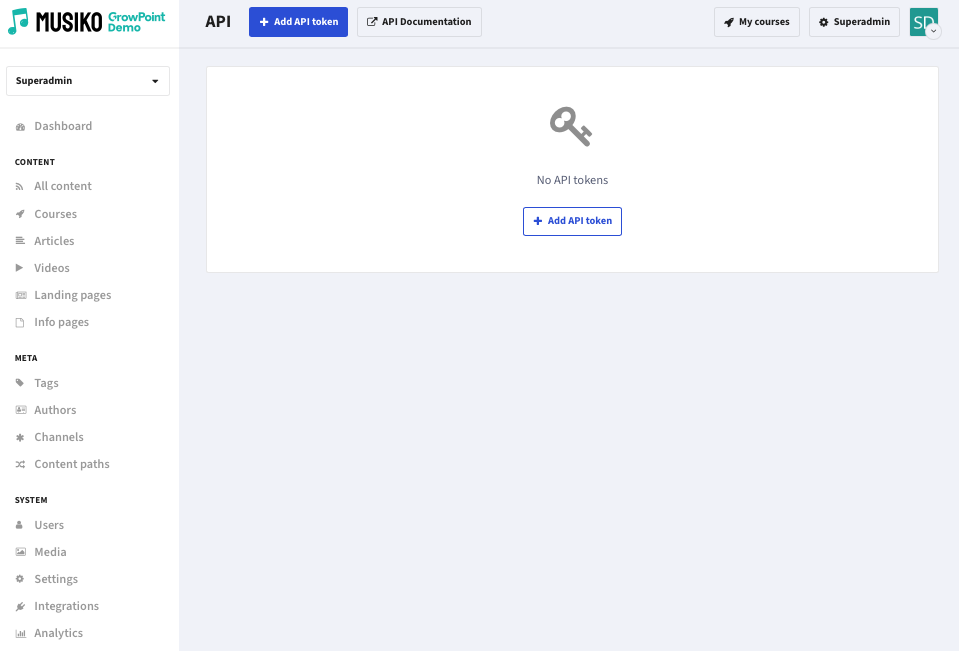
API Token list view
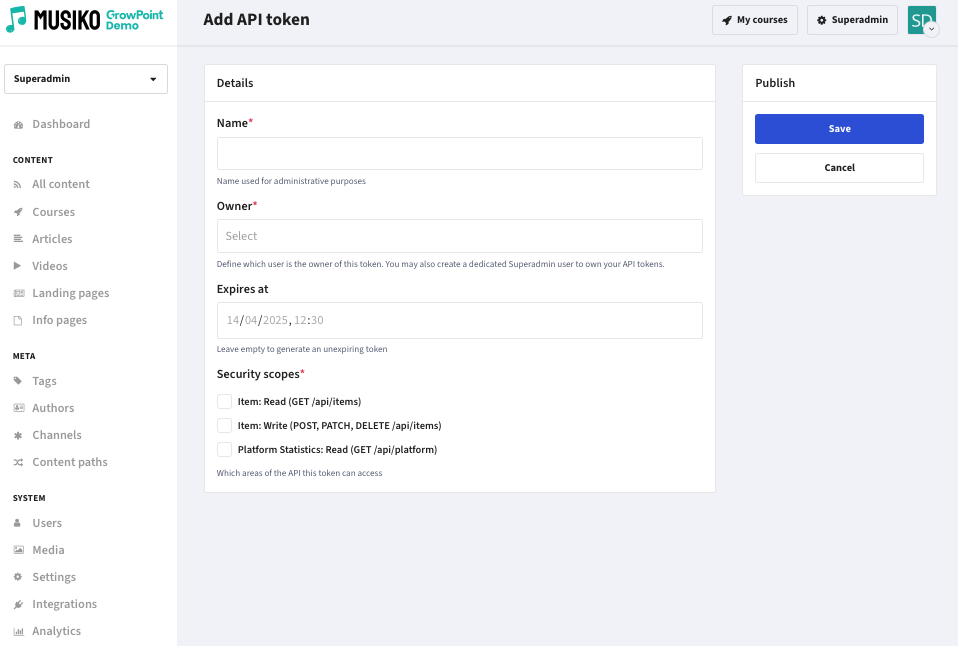
Add API token view
| Name | A label used for administrative reference to identify the token. |
| Owner | Assigns the token to a specific user. It’s recommended to create a dedicated Superadmin user for managing API tokens. |
| Expires At | Define an expiration date for the token. Leave this field empty to create a token that does not expire. |
| Security Scopes | Specify which areas or resources of the API this token can access. This helps ensure tokens are granted only the necessary permissions. |